

Webflow Migration for B2B Companies
We move B2B marketing sites from WordPress, HubSpot, Drupal, Joomla and older custom builds to Webflow. Every URL is inventoried, every redirect mapped, and the site rebuilt so your marketing team controls it. Most migrations go live in 6–10 weeks.

Most migrations just restart the clock.
Teams migrate because the site aged: slow to change, behind the product, hard to trust. A new platform fixes the plumbing. If nobody keeps improving the site on the other side, it ages again, and in three years you're scoping the next migration.
Two ways a migration can go
A migration should end that cycle, not restart it. So we build the other side for your marketing team to run, and we keep improving it after launch.
Every platform ages a site differently.
The move fixes what the old platform made hard. What we build on the other side is a site your marketing team controls, so it keeps improving instead of waiting for the next rebuild.
WordPress to Webflow
For: Teams whose site runs on plugins nobody wants to touch
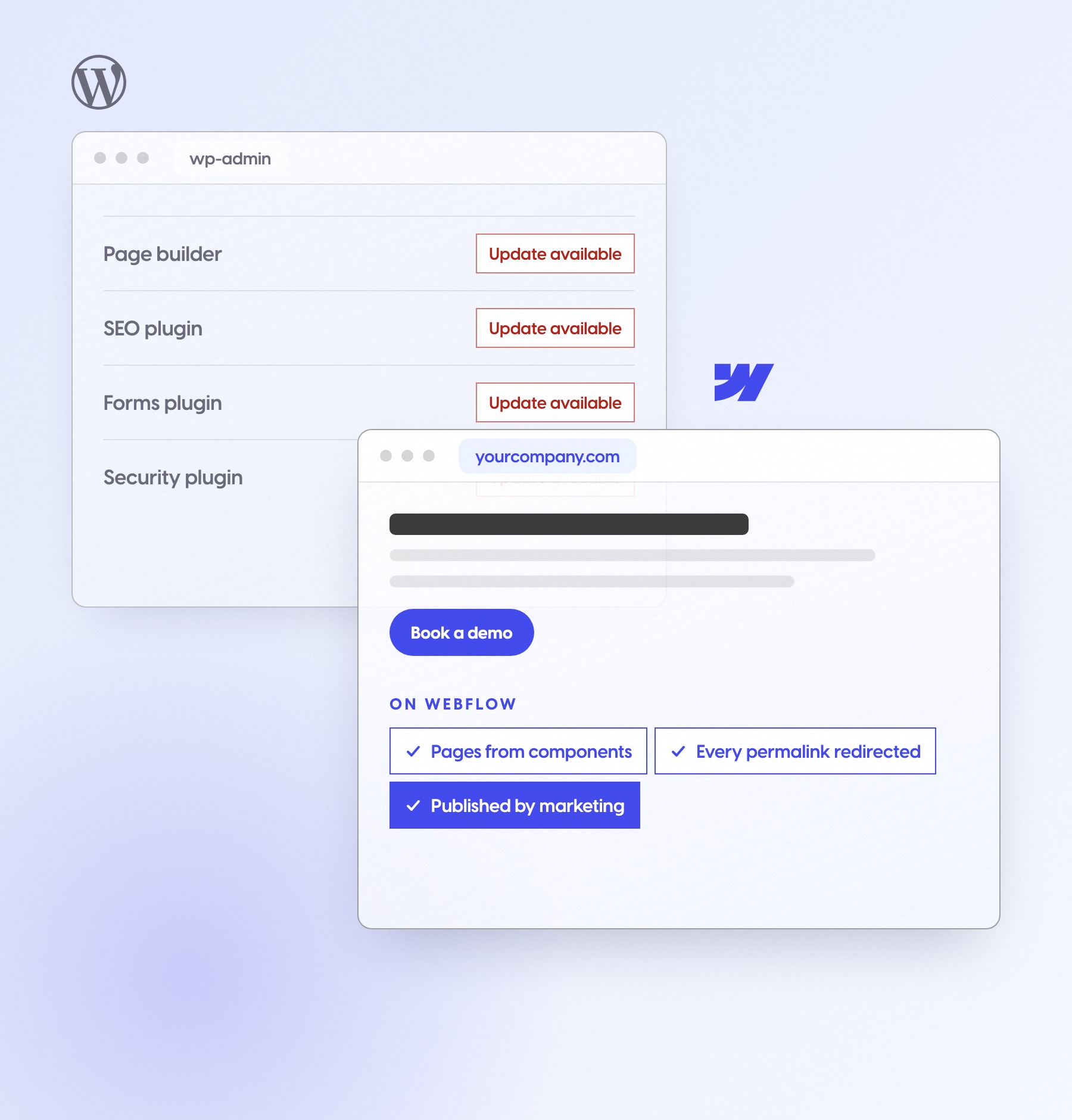
WordPress sites age through plugin updates, theme conflicts and a page builder only one person understands. On Webflow, your team builds pages from components and nothing needs patching.

Pages built from components by your team
Posts and custom fields in CMS collections
Every permalink redirected to its new URL
No plugin, theme or core updates
Forms and tracking reconnected
Training for everyone who edits the site
HubSpot CMS to Webflow
For: Teams that like HubSpot's CRM and fight its website
HubSpot sites age through templates that resist design changes and pages that slow down with every module. Keep HubSpot for CRM, forms and email, and move the marketing site.
HubSpot stays your CRM, and forms keep feeding it
Design changes without template workarounds
Blog and listing pages in CMS collections
HubSpot tracking kept on every page
Every page and post redirected
Training for everyone who edits the site

Drupal to Webflow
For: Regulated teams where a page change means a developer ticket
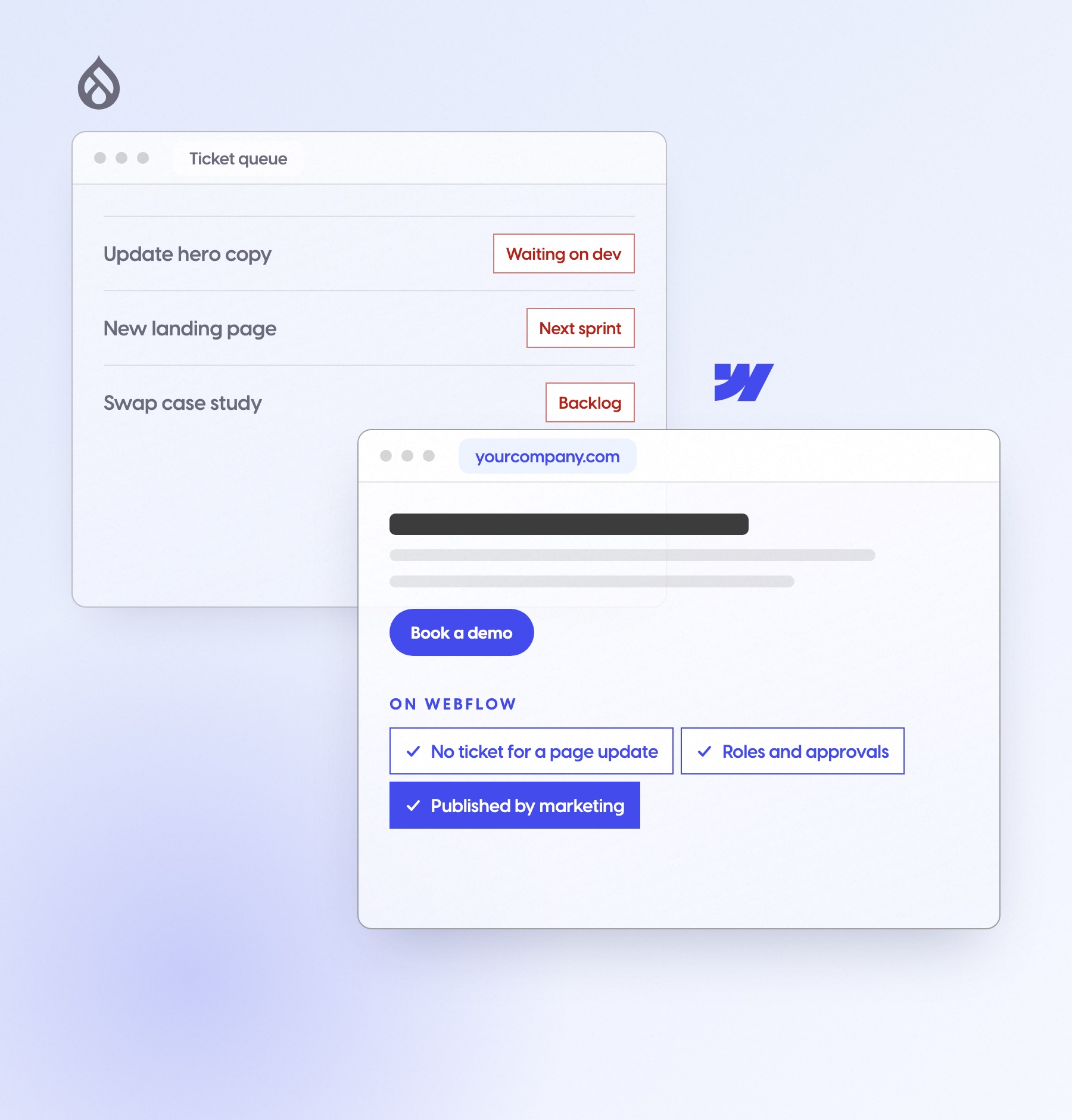
Drupal sites age in the developer queue: marketing waits, so the site falls behind the product. On Webflow, content types become collections your team edits, with the approvals you need.
Content types in CMS collections your team edits
Page updates without a ticket
Publishing roles and approvals
URL aliases redirected one to one
Accessibility checks on every template
Training for everyone who edits the site
Joomla to Webflow
For: Teams on an install that's getting harder to keep safe
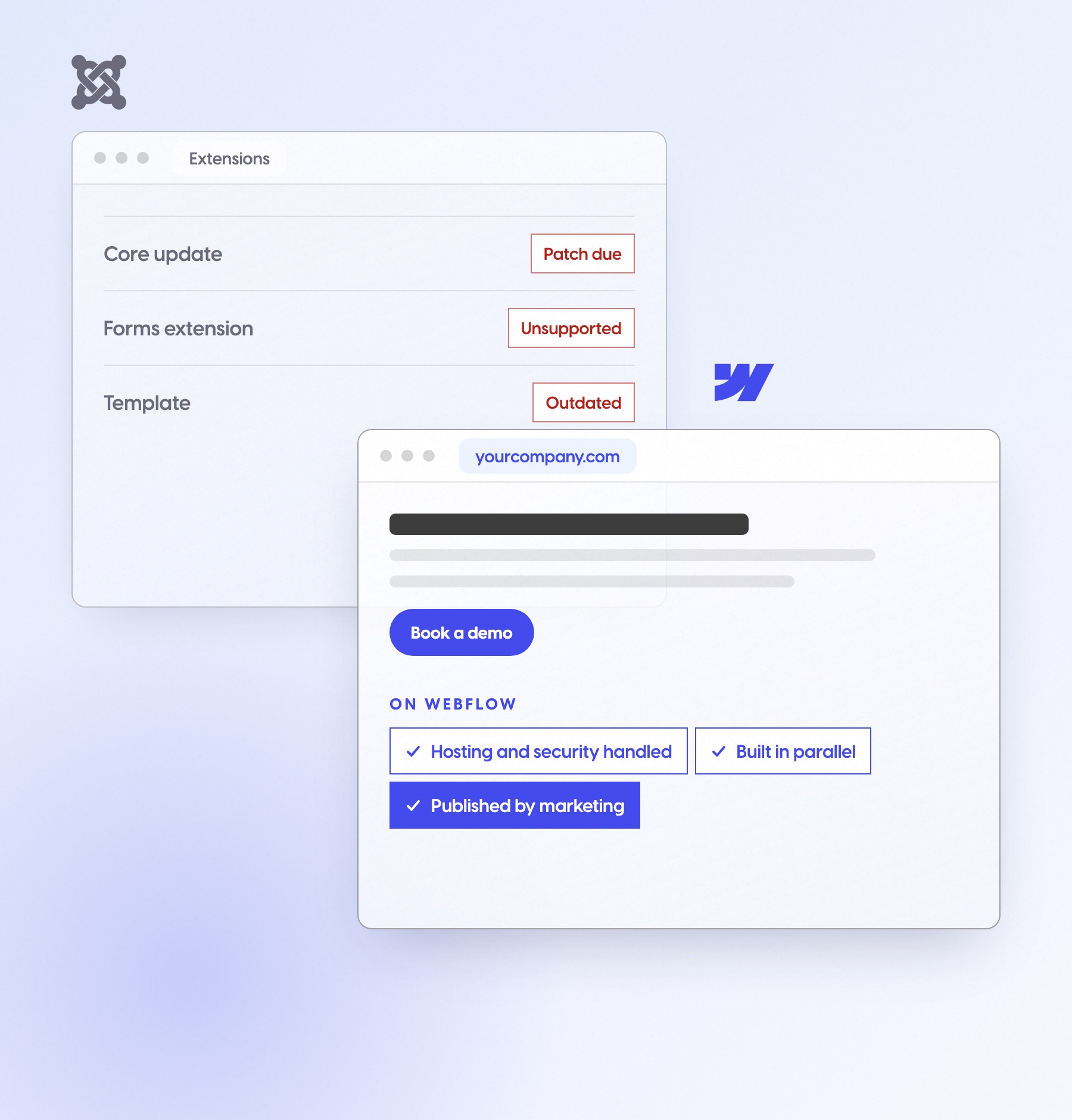
Joomla sites age through extensions and security patches someone has to keep chasing. We rebuild in parallel, so the old site stays live until the switch.
Hosting and security handled by Webflow
Built in parallel, the old site stays live
Articles, menus and categories mapped page by page
Every URL redirected before the switch
Forms and integrations reconnected
Training for everyone who edits the site
Custom or legacy to Webflow
For: Teams whose site was built by an engineer who has since moved on
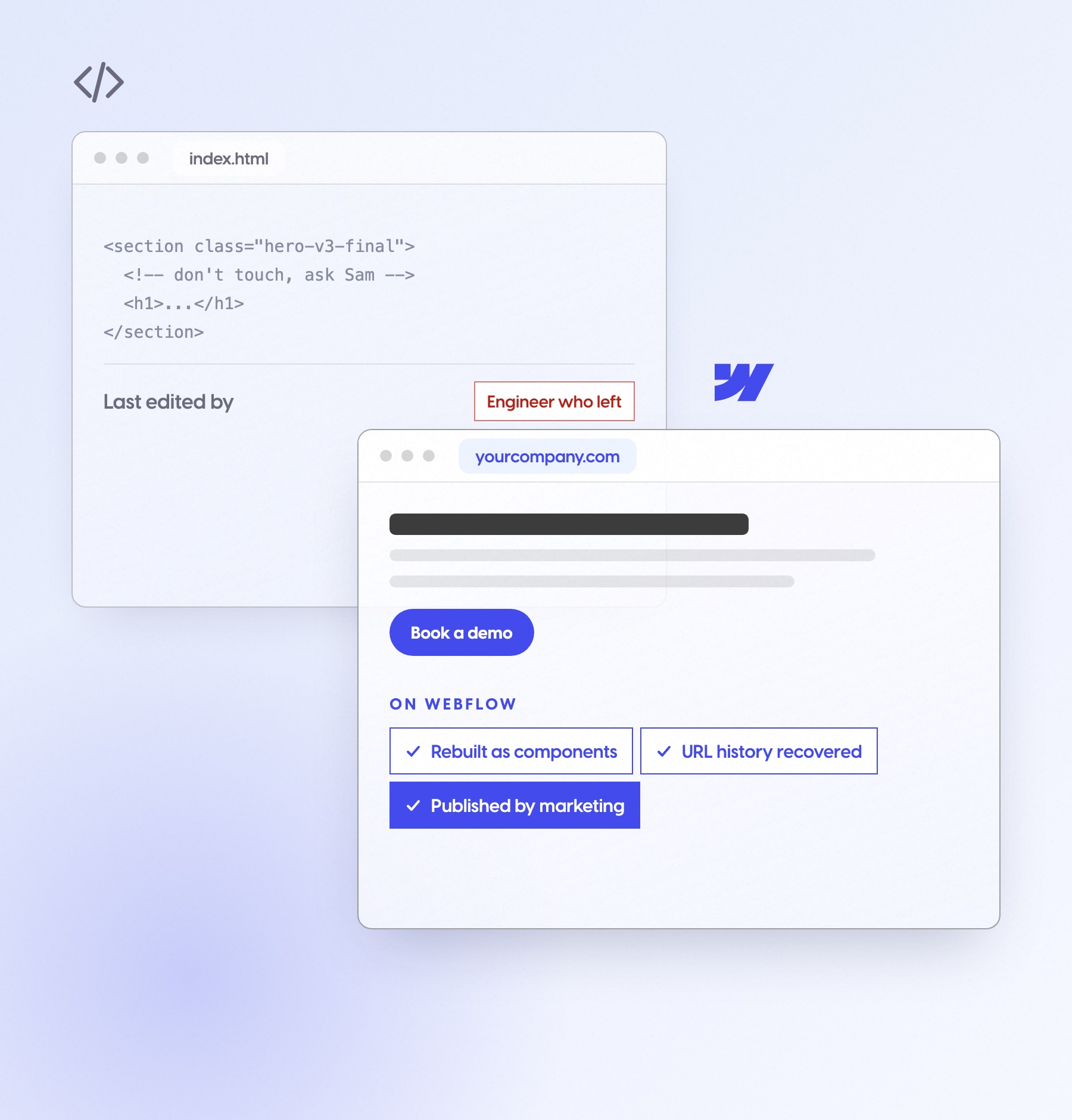
Custom sites age through code only one person understood and a URL history nobody wrote down. We rebuild it as components your team can use, and recover the URLs from web archives when there's no sitemap.
Rebuilt as reusable components
Content pulled into CMS collections
URL history rebuilt when there's no sitemap
Integrations reconnected
Engineering off marketing tickets
Training for everyone who edits the site
Five more platforms, with the same inventory, redirect map and QA as every move above.
Contentful to Webflow
For: Teams whose headless setup needs a developer for every new page
Content lives in one tool and pages in another, so marketing waits on the build pipeline.
Content models mapped to CMS collections
Pages your team publishes without a deploy
Every URL redirected
Sitecore to Webflow
For: Enterprise teams paying for a platform marketing can't run alone
License renewals, upgrade projects and a partner on retainer for page changes.
Templates rebuilt as components
Content and media moved page by page
Roles and approvals for your team
Squarespace to Webflow
For: Teams that outgrew a site builder made for one person
Fixed layouts, limited control over SEO and structure, and no real CMS for B2B content.
Blog and case studies as CMS collections
Full control of metadata and schema
Every URL redirected
Wix to Webflow
For: Companies that started on Wix and now need a B2B site
Builder layouts that lock the design and URL patterns you can't fully change.
A clean URL structure, redirected from the old one
Pages built from components
Forms and tracking reconnected
Framer to Webflow
For: Teams whose launch site now has to carry a growing content library
Fine for a handful of pages, harder as the blog, case studies and editors grow.
CMS collections built for scale
Roles for every editor
Every URL redirected
Moving from something else?
For: Platforms not listed here
Tell us what the site runs on. We'll tell you what the move involves, or whether you need one at all.
Nothing it earned gets left behind.
Rankings, links and the pages that already work carry over. This is the part of a migration that decides whether it was worth it.
URL and content inventory
Every page, post, file and image, before anything moves. If there's no sitemap, we rebuild the history from web archives.
Redirect map
Old URL to new URL, one to one. Your team can review it line by line before launch.
Metadata and structured data
Titles, descriptions and schema carried over, then improved for Google and AI answers.
CMS rebuild
Blog, resources and case studies as Webflow collections your team edits.
Integrations
Forms, CRM, analytics and the tools your team already uses, reconnected and tested before the switch.
Monitoring after launch
Rankings, 404s and crawl errors watched after the switch, and anything that slips gets fixed.
Search visibility usually dips while Google recrawls, then settles, then climbs once the site starts improving.
Google recrawls
Positions can move while the new URLs are picked up. That's normal for any migration, and we say so up front.
Redirects settle
We watch rankings, 404s and crawl errors, and fix any page that slips.
The site starts improving
No more waiting on the old platform. Your team ships pages, and growth work can begin.
Dashed line: where the old site stood on switch day. A typical shape, not one client's data.
The old site stays live until the switch.
Typically 6–10 weeks, depending on page count and how much CMS content moves. Your team keeps publishing on the old site the whole time.
The old site keeps running while the new one is built next to it. Traffic moves on switch day, not before.
Kickoff (First week)
Goals, scope, owners and dates for the move, agreed in the first week.
Current-site analysis (Before any build)
The URL and content inventory, which pages earn traffic, and what's worth keeping.
Webflow strategy session (Before development)
Sitemap, CMS structure and components, agreed before development starts.
Development (Next to the old site)
Built in parallel on Webflow, with the redirect map growing alongside it.
QA (Before the switch)
Every template, redirect and form checked before the switch.
Launch and monitoring (Switch day, then the weeks after)
The DNS switch, then rankings and crawl errors watched in the weeks after.
Three conversations that get a migration approved.
A migration gets approved by people who won't edit the site every day. Here's what each of them asks, and what in the migration answers it.
“The site works. Why spend on it now?”
The cost of staying, next to a fixed scope
Developer hours, plugin and security upkeep and launches that wait, set against one fixed number before anything starts.
“Who owns it, is it secure, and what breaks?”
The integration and hosting list
Hosting and security on Webflow, every integration listed, roles and approvals for your team, and what stays in their stack.
“What happens to our rankings?”
The URL inventory and redirect map
Reviewable line by line before launch, with the monitoring plan for the weeks after.
What your team can do on day two.
Everyone promises marketing control. Here's what it means on the first working day after launch, with no developer and no ticket.
RAREculture's team publishes new projects the same day, after a 32-minute training.
Open a ticket for a new landing page
Wait for a developer to change the homepage
Ask someone to update the plugin first
Hold the case study until the next sprint
Publish a blog post
Launch a landing page from existing sections
Change the homepage headline
Add a case study and a customer logo
Update the navigation
Migrations we've shipped.
30+ migrations, 14+ of them off WordPress. Here's the oldest site we've moved, and three more.
A 25-year-old semiconductor equipment company, on a site from 2011 with no usable sitemap.
We rebuilt its URL history from web archives, found 1,026 old page URLs, and mapped them into 288 redirects. Links to its equipment and parts pages now land on the right page on Webflow.



In collaboration with
Idea Engineering

Wellness Everyday
Wellness Everyday: Critical Mental Health Website Rebuilt on Webflow
70+ pages and 10+ CMS collections, built in parallel. Zero downtime, and every SEO ranking kept.
Build
Migrate
TenOneTen Ventures
TenOneTen Ventures: WordPress to Webflow VC Website Redesign
Live Airtable sync for portfolio data and 200+ podcast episodes. Their team has run the site on its own for 3+ years.
Design
Build
Migrate


RAREculture
RAREculture: WordPress to Webflow Migration for NYC Art Consultancy
After a 32-minute training, the team publishes new projects the same day.
Build
Migrate
Is it really the platform?
Sometimes the platform isn't the problem, and a migration won't fix it. Three questions tell you which kind of fix you need, and we'll give you the same answer on the call.
1. Can your team publish a new page without a developer?
Migrate. This is what Webflow fixes.
2. Is the site slow or fragile even for small changes?
Migrate, and rebuild it on components your team can use.
3. Is most of your site logged-in product, app logic or heavy commerce?
Keep it in your engineering stack. A marketing CMS isn't the right home for it.
Then it isn't the platform. Start with a free website audit or monthly growth work, not a migration.
Most websites start aging the day they launch. Yours won't.
Your website gets bought as a project, then judged as a growth channel. After the migration we keep improving it every month (SEO and AI-search fixes, new content, a monthly report on the results), so it brings in more traffic and more leads.
What clients say after launch
Our longest partnerships started in 2021 and are still going. Here's what clients say about working with us, before launch and long after it.

It was an absolute pleasure working with Parth on the rebranded website for Vividly. We had worked with other webflow agencies previously and none of them offered the attention and expertise that he and the Digi Hotshot team brought to our project. He worked quickly with our internal teams to diagnose problems and address last-minute changes in a way that produced excellent outcomes. Ever since go-live, we’ve been seeing marked spikes in traffic and our inbound marketing initiatives are starting to bring in more leads than we ever saw on our previous site. I’m personally looking forward to the next project we work on with Parth and his team!


Zach Norton
Lead Product Designer
I’ve worked with Parth on a couple of Webflow projects and I highly recommend him. His work is consistently excellent, with quick turnaround times and attention to design polish. He’s gone above and beyond to fix issues and improve small details, always willing to help even after our website launched. I’ve recommended him in the past to several other founders and plan to continue working with him for future projects!


Alvaro Morales
Co-founder & CEO
It was a pleasure working with Parth and his team on our all-new website. The designs came out great, and the final execution was extremely high quality. Would highly recommend his team for any web/design project!
.svg)

Erik Pakravan
Partner
They felt like an extension of our team. Digi Hotshot successfully over-delivered the project on time and within budget. They were highly organized and responsive to the client's requests via messages and virtual meetings. Digi Hotshot's collaborative attitude and straightforward approach were key elements of their work.


Drake Debiasse
VP Growth
Parth helped to implement our designs in Webflow in record time. We were on a time crunch because our rebrand efforts before our Series A announcement. Parth worked closely and diligently with our VP of Marketing, lead designer, and QA engineer to get the site built, tested, and vetted before launching it live. I'd highly recommend Parth to any other startup that needs to get a clean, professional site built on a timeline.

Alexander Whatley
CEO
@DigiHotshot was absolutely phenomenal in taking our Figma designs and turning them into reality on @webflow but what really makes him stand out is that he goes the extra mile way beyond the scope to deliver an A+ quality website and make sure it all goes smoothly. Thank you🙏


Michael Rouveure
Head of No-Code Operations
The Digi hotshot team was willing to jump in quickly and iterate flexibly as we found more definitions for the requirements. The site was delivered on time and according to specifications. Digi Hotshot worked quickly and flexibly to meet the client's needs. The team was responsive and receptive to feedback.
%201.svg)

Jay Ashe
VP of Technology
Working on Webflow assignments with Parth is a blessing. He really knows all the ins and outs of the platform. It’s amazing to see what he can deliver with almost no briefing.


Yannick Khayati
Founder
Read before you migrate.
.webp)

.webp)
%20webflow-migration-agency.avif)
Frequently asked questions
Typically 6–10 weeks, depending on page count and how much CMS content moves. You get a timeline at kickoff, and the old site stays live the whole time.
They can move for a few weeks while Google recrawls the new URLs. That's normal for any migration. The redirect map, carried-over metadata and monitoring after launch are what bring them back, and we fix any page that slips. On Wellness Everyday, every ranking was kept.
WordPress, HubSpot CMS, Drupal, Joomla, Lotus Notes and other custom-built sites so far. We also take on Contentful, Sitecore, Squarespace, Wix, Framer and others.
It's your call. Moving the current design one to one is the lowest-risk path. Most teams use the move to fix what wasn't working, and we scope it either way.
Yes. Many teams move the marketing site to Webflow and keep HubSpot for CRM, forms and email. Forms keep feeding HubSpot, and tracking stays on every page.
Pages, posts, landing pages built from existing sections, case studies, navigation and forms. We train everyone who edits the site before launch.
Every migration is scoped after a short call. Page count, CMS depth, integrations and how much design is involved change the number, so you get a fixed scope and a clear number before anything starts.
We watch rankings, 404s and crawl errors after the switch and fix what moves. Then the site doesn't have to sit still: most teams move on to monthly growth work, so it keeps improving after launch.
