Est. 2019
Est. 2019
Last Updated:
September 2, 2026

Parth Gaurav
Founder & CEO
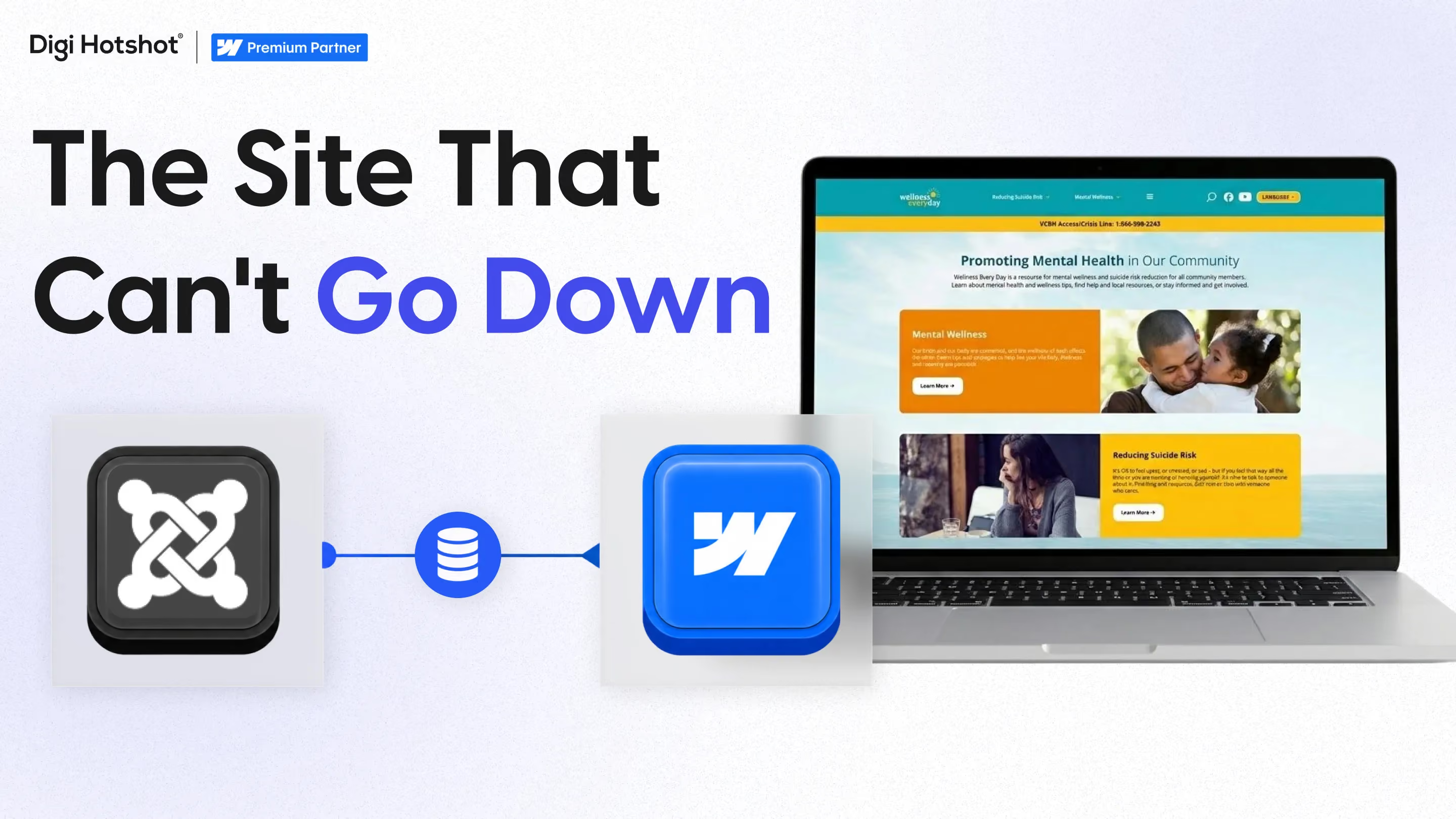


Quick answer: Wellness Everyday is Ventura County's official mental health and suicide prevention resource platform. We moved 70+ pages and 10+ CMS collections off Joomla onto Webflow without taking the site offline, by mapping content relationships first, running both systems in parallel, and validating every phase before starting the next one.
By Parth Gaurav, Founder & CEO, Digi Hotshot. Last updated: August 21, 2026.
Almost every migration plan has a maintenance window in it somewhere. A Sunday night, a few hours, a holding page, and everybody agrees the cost of that is basically nothing.
Wellness Everyday is the project where that assumption isn't available to you. It's Ventura County's official mental health and suicide prevention resource platform, operated by Ventura County Behavioral Health. The site carries crisis support information, and resources built for distinct groups: children, teens, older adults, LGBTQ+ individuals, and military veterans. A maintenance window means something different when somebody is looking for a crisis line at 2am.
So the brief had one line in it that decided everything else. The site does not go down. Not for an hour, not for the cutover. It launched on Webflow on August 19, 2024, and it never went dark.
The move covered 70+ static pages and 10+ CMS collections. The page count wasn't the difficult part, and page counts rarely are.
A resource library is a web of relationships more than it is a set of pages. A resource for veterans links to a county service, which links to an eligibility page, which links to a related resource for older adults. Different resource types need different templates, because a hotline, a program and a downloadable guide are not the same shape of content. Break one of those connections quietly during a move and nothing looks wrong on the surface. Somebody just hits a dead end at the moment they needed the next step.
Which is why the work started with a content audit rather than a build.
Joomla's aging infrastructure had created problems that compounded. Security concerns, because an older platform gets harder to keep current, and update difficulty, because keeping it current was a project in itself. Underneath both, technical constraints that limited how fast the team could respond when the community needed something changed.
That last one mattered most. There were behavioral health system changes coming in California, and a platform where a content update is a ticket can't keep up with a policy calendar.
Most of what we've published about migrations is WordPress, HubSpot or Drupal. This one is Joomla. The export specifics differ, the shape of the problem doesn't.
Zero downtime isn't a switch you flip at the end. It's a sequencing decision you make at the start, and it costs you something. Three things make it work.
The content audit came first, and it wasn't an inventory. An inventory tells you what exists. A relationship map tells you what breaks if you move a given page, which is the thing you need on migration day. Every resource, every internal link between resources, every place one page assumed another page's URL.
The Joomla site kept serving the public for the entire build. The Webflow site was stood up alongside it, with collections and templates built per resource type, and content moved across in stages. Two live systems, one of them public, until the new one had been proven.
Each phase ended with testing and validation before the next one was allowed to start. Not a review at the end, a gate in the middle, repeated. Slower on the calendar, and the reason nothing had to be rolled back.
If you want the general version of that redirect and validation work, we've written it up in more detail in our guide to an SEO-safe Webflow migration and the complete migration checklist.
Running two systems at once is more work than not doing that. There's a period where content lives in two places, two systems to keep straight, and a longer calendar than a weekend cutover would have needed. Anyone telling you zero downtime is free is selling you something.
It's a trade. For a crisis resource the trade isn't close, and nobody involved had to debate it. I think the more interesting part is how rarely anybody else runs the same calculation.
The platform work paid off in places the migration itself doesn't get credit for. Jetboost went in for search and resource discovery, which matters when a visitor arrives needing one specific thing out of hundreds. Webflow Localization handles the language question for a county that needs it. JazzHR and Lever handle recruitment. Page loads got faster and mobile got better, which is what you'd expect moving off aging infrastructure.
The quieter win is content management. The resource team can now update their own resources without a developer in the loop, which is the same outcome we wrote about when RAREculture moved off WordPress. Different sector, same mechanic. The people closest to the content get to edit the content.
I want to be careful here, because a marketing site and a crisis resource are not comparable and I'm not going to pretend otherwise. The stakes don't transfer. The technique does.
Parallel systems, mapped relationships and phased validation aren't public-health methods. They're just what you do any time going dark isn't an option. The method doesn't know what content it's protecting.
Which raises a question most teams skip, and from what I've seen they skip it consistently. You probably accept downtime because you inherited the assumption, not because you priced it. So price it. What actually happens in those four hours? Paid traffic hitting a holding page, a demo form that isn't there, a buyer who found you through an AI answer, landed on nothing, and doesn't come back. None of that shows up as a line item anywhere, which is exactly why it stays unexamined. Our piece on how long a migration realistically takes covers where those hours usually hide in a schedule.
One more thing worth naming. This project was delivered with Idea Engineering, the marketing partner agency on it, and Antony Del Castillo Schickram, their Senior Project Manager, put it this way:
"It was a pleasure working with Digi Hotshot on our Webflow project! Our website migration from Joomla to Webflow went smoothly. Parth and Sarthak were professional and responsive, and we are quite happy with the quality of the website. We expect it will remain a helpful tool for years to come."
The full write-up covers the content architecture, the resource templates and the integration work in more depth. Read the full Wellness Everyday case study →
And if you're looking at a migration where the downtime question is the one nobody's answered yet, our free website audit is a reasonable place to start. We'll tell you what's actually at risk in the move, whichever way you end up going.
Yes, if it's planned that way from the start. The existing site keeps serving the public while the new one is built alongside it, content moves across in validated phases, and the cutover happens only after the new site has been proven. Wellness Everyday moved 70+ pages off Joomla this way with no interruption.
Both platforms are live at the same time. The old one keeps serving visitors while the new one is built, populated and tested. Nobody outside the project sees the new site until it's finished. It costs more effort than a single cutover, and it removes the window where the public is looking at a holding page.
In effort, yes. Two systems have to be kept straight during the overlap, and the schedule runs longer than a weekend cutover. Whether that's worth it depends on what your site does during the hours it would be down. Most teams have never worked that number out, which is why the window feels free.
It doesn't have to. Rankings are lost when URLs change without redirects, or when content is dropped in the move. Both are avoidable with a content and URL map built before the migration starts. Wellness Everyday maintained its SEO rankings through the transition, with all critical resources preserved.
Map the relationships before you move a single page. An inventory only tells you what exists. What you need is which pages link to which, so you know what breaks when one of them moves. On a 70-page library with 10+ collections, that map is what you validate each phase against.
Last Updated:
September 2, 2026
Book a 30-minute discovery call. We'll discuss your current challenges and show you exactly how we can help.
Your competitors aren't stuck in developer queues. They're launching campaigns, testing messages, and capturing market share while you're waiting for simple updates.
Eliminate the bottlenecks. Give your marketing team the infrastructure they deserve—fast, autonomous, built to scale.