

Est. 2019
Est. 2019
Last Updated:
June 5, 2026

Parth Gaurav
Founder & CEO


By Parth Gaurav, Founder & CEO, Digi Hotshot · Last updated May 27, 2026
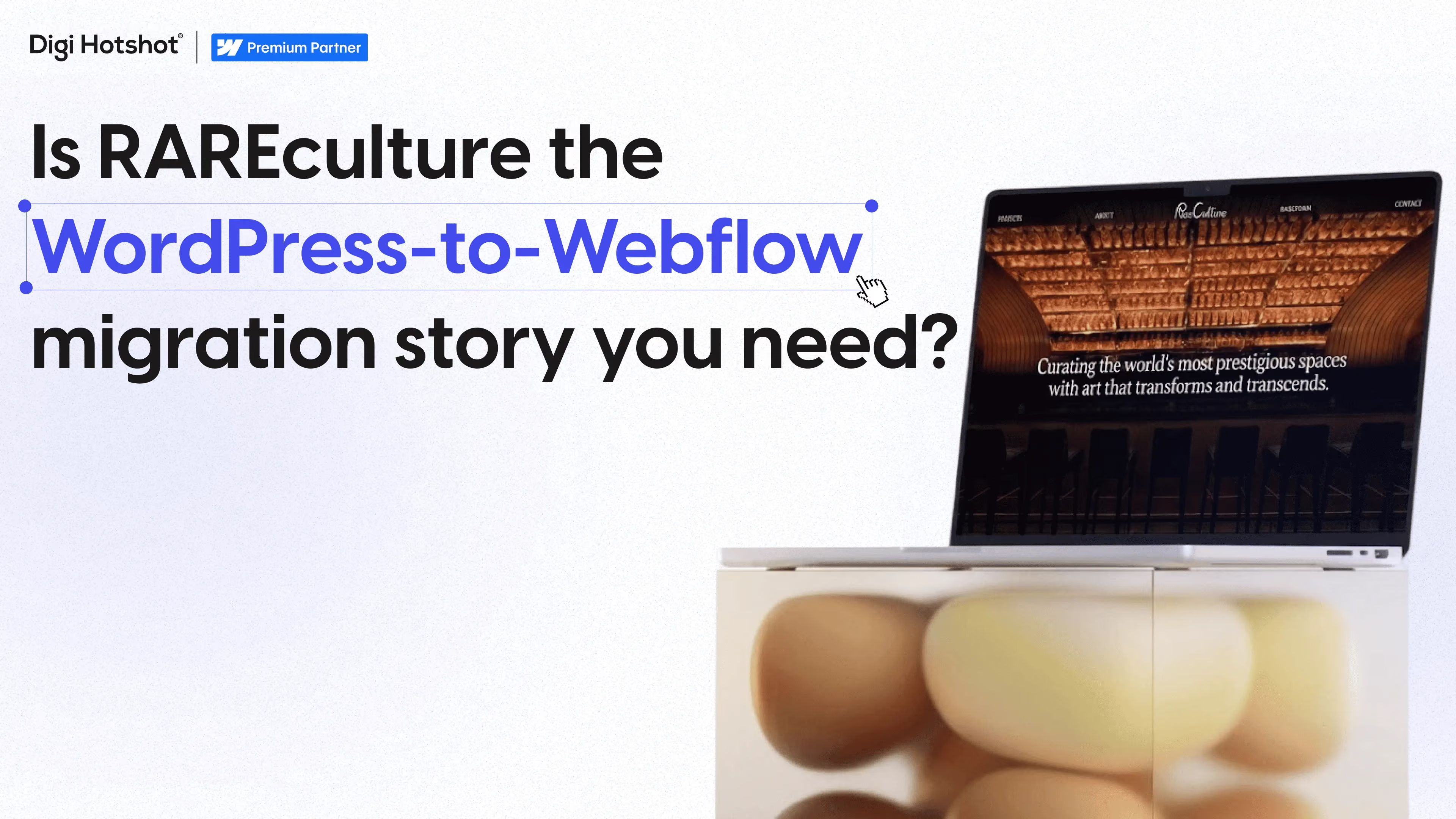
Quick answer: RAREculture, an NYC art consultancy with installations at The Spiral and St. Regis Macao, used to wait days for their managing agency to push the smallest WordPress update. After a WordPress-to-Webflow migration and a single 32-minute training session, their non-technical team now publishes new project pages the same day, with no developer in the loop.
Before the migration, even adding a single new project to RAREculture's portfolio meant pinging their managing agency and waiting at least a day. A new hero image on an existing case study? Same story. A blog post for InRAREform, their Substack-fed newsletter? Manual duplication across platforms.
For a consultancy whose entire business is visual storytelling — curating bespoke art programs for The Spiral in Hudson Yards, St. Regis Macao, JW Marriott Nashville, The Joseph Nashville, MGM Springfield — that lag wasn't a minor friction. It was capping how often they could show the work.
If you run marketing for a small B2B team and that paragraph sounds familiar, you already know the punchline. WordPress isn't the problem, exactly. The dependency chain around it is. Every change goes through someone else, and "someone else" has their own queue.
Here's the part most case studies skip past, and the part that's the actual story.
After we finished the build, we recorded one 32-minute video walkthrough of the new Webflow CMS — how to add a project, swap a hero image, publish a blog post, edit a component. That was the handover. Plus a few short follow-up recordings answering specific questions from their team.
That's it. 32 minutes.
From that point on, RAREculture's non-technical team has been adding new portfolio projects, publishing blog content, and updating imagery themselves. No tickets to a developer. No agency in the loop. New project pages go live the same day someone on their team decides to publish them.
The Forrester 2024 Total Economic Impact study of Webflow found enterprises see a 94% reduction in time to make major site changes after moving to Webflow (source). RAREculture's version of that stat is more concrete: days of agency lag down to a same-day publish, after half an hour of training.
The reason the handover was short isn't that the team is unusually technical. It's that the build was designed for them, not for us.
Three things made it possible:
None of those are exotic. They're just decisions a developer can make if the brief is "the marketing team needs to own this," instead of "ship a site that looks right at launch."
RAREculture is an art consultancy, but the shape of their problem is the same one we hear from B2B marketing teams every week. Different industry, same buyer phrases:
Most of the time, the answer isn't a bigger retainer with the agency that's bottlenecking you. It's moving to a platform your team can actually operate. That's the whole pitch for Webflow, and it's why the migration math usually works out — even for teams who think they're "too small" to bother.
Column Tax (4 years with us, on Webflow since around the same time) cut page deployment from weeks to 2-3 days using the same component-based pattern. Vividly (since 2021) has done four homepage redesigns and a full rebrand without ever waiting on engineering. RAREculture got the same outcome on a smaller site with a 32-minute handoff.
Want the full story? Read the full RAREculture case study → Covers the migration phasing, the Label Maker design partnership, the SEO-preserving redirect plan, and the full deliverables list.
For a site in RAREculture's range (8-10 pages, dynamic portfolio, a couple of integrations), the build typically runs in four phases: style guide and homepage, core pages and templates, integrations and CMS setup, then QA and launch. Total timeline depends on content readiness and design iterations, but most projects this size land in the range of 4-8 weeks end-to-end. Larger B2B sites run longer.
Yes, if the site is built for the team and not just for launch. The trick is component-based architecture: 5-6 reusable modules that the team combines, instead of bespoke templates that need code edits to change. RAREculture's team manages 8-10 portfolio projects, blog content, and imagery updates on their own after one 32-minute training session. That's not unusual for a well-architected Webflow build.
Only if the redirect plan is sloppy. Most post-migration SEO drops are avoidable — they come from missing 301 redirects, broken internal links, or losing on-page content during the rebuild. The RAREculture migration went live with full URL redirects in place and DNS transitioned with zero downtime. We've covered this in detail in Why Most SEO Drops After Migration Are Avoidable.
Most of what a B2B or boutique team uses can be wired into Webflow through Make.com, Zapier, native form submissions, or the Webflow API. RAREculture's newsletter signups flow from a Webflow form to their Substack subscriber list automatically through a Make.com scenario. Blog filtering uses Jetboost. Same principle works for HubSpot, Mailchimp, Klaviyo, Notion, and most of the common B2B stack.
If the RAREculture story sounded familiar — every change goes through someone else, simple updates take a week, your team would manage the site if they could — that's usually the cue that the platform is the bottleneck, not your team.
What I can do is take a look at your current site and tell you whether a migration makes sense. We've done 14+ WordPress-to-Webflow migrations and 30+ migrations in total since 2019, so the math is usually clear once we see the site.
Book a free 30-minute audit → No pitch, no pressure. If the migration doesn't make sense for your team right now, I'll tell you that too. And if you want to keep reading on the topic, Webflow No-Code Myth: Why Marketing Teams Still Get Stuck covers why autonomy depends more on how the site is built than which platform it runs on.
Last Updated:
June 5, 2026
Book a 30-minute discovery call. We'll discuss your current challenges and show you exactly how we can help.
Your competitors aren't stuck in developer queues. They're launching campaigns, testing messages, and capturing market share while you're waiting for simple updates.
Eliminate the bottlenecks. Give your marketing team the infrastructure they deserve—fast, autonomous, built to scale.


