

Est. 2019
Est. 2019
Last Updated:
November 5, 2026

Parth Gaurav
Founder & CEO
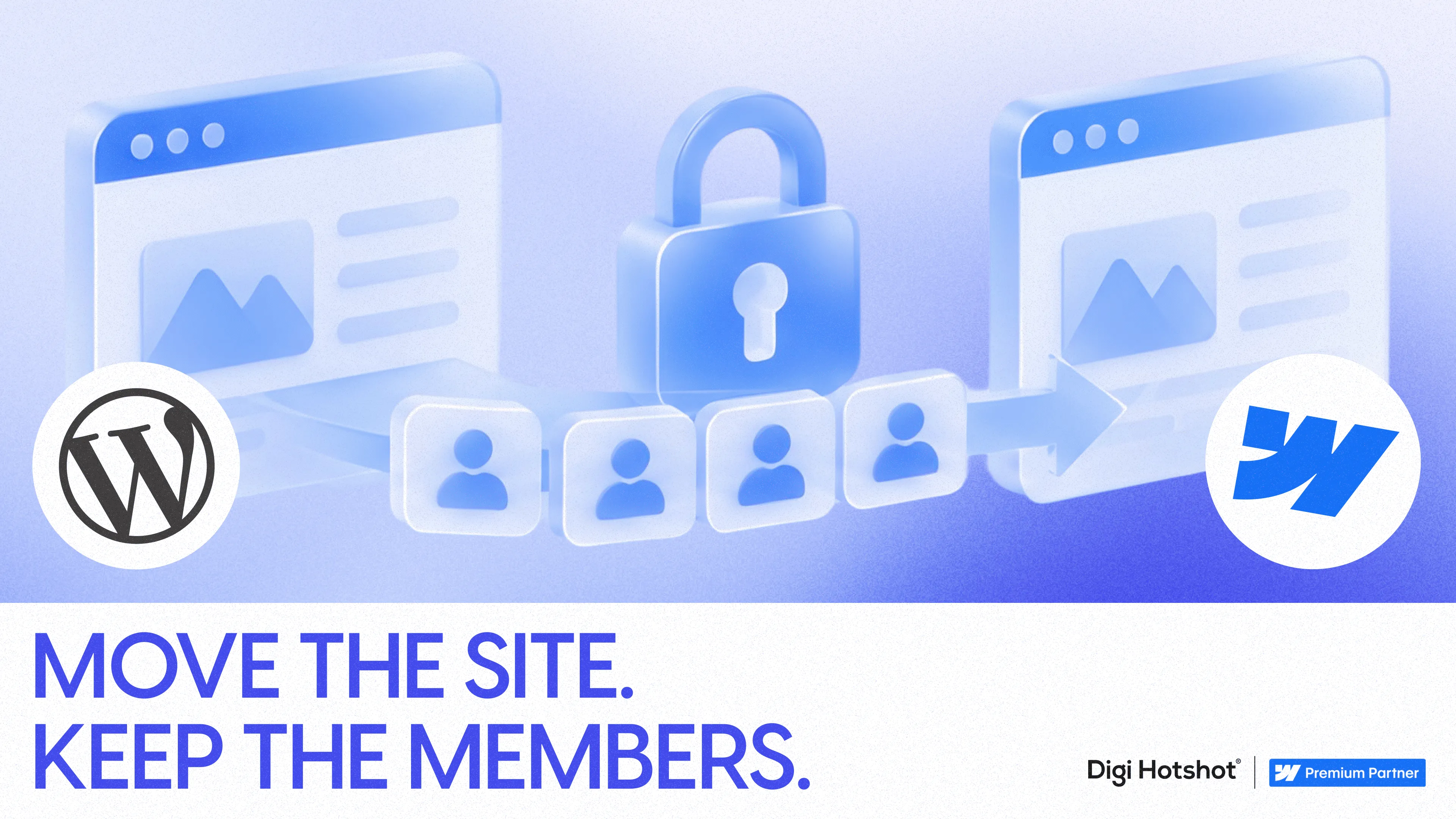


We've run this exact migration more than once, and the pattern holds every time: you'll need a layer like Memberstack or Outseta sitting on top, and our approach treats access control as its own workstream, separate from the page redesign.
That's the detail most migration guides skip. They treat a membership site like any other WordPress-to-Webflow move: export content, rebuild pages, redirect URLs, done. When migrating a gated site, we'd recommend starting by mapping what Webflow owns versus what the membership layer owns, before a single page gets designed. Get that split wrong and you'll ship a beautiful site that locks out paying members on day one.
You need admin access to four systems, not one. WordPress (content and user export), your membership plugin or WooCommerce (plans, roles, entitlements), your payment processor (Stripe, PayPal, whatever's billing members today), and your CRM if member data flows there. Missing access to any of these turns into a mid-migration scramble.
You need a membership platform decision made before CMS modeling starts. Webflow's own documentation puts it plainly: "Webflow doesn't offer native membership or paywall functionality, so you'll need to use a third-party tool to manage memberships, subscriptions, and gated content." It names Memberstack and Outseta as the two built for Webflow specifically. Outseta's Webflow integration handles sign-up, login, subscription management and protected content through embeds or its native app, and its documentation covers protecting entire pages, folders, or individual elements. Memberstack trades toward granular front-end control. Pick based on your entitlement complexity, not which one has a nicer demo.
You need a staging environment, not a live cutover. Member and payment flows get tested in a non-production space before anything touches real accounts.
This is also a good moment to confirm you're migrating for the right reasons: our breakdown of Webflow vs WordPress for B2B teams covers what changes structurally, beyond just the membership layer.
If you'd rather have us map this before committing to a platform or timeline, book a discovery call and we'll walk your current access rules with you.
Export every protected URL, the plan or role required to see it, and its current performance, before you decide what moves. WordPress membership sites accumulate access logic in plugins, custom post types, taxonomies, shortcodes, WooCommerce products, and sometimes a manual admin override someone added two years ago and forgot about.
Build a list with: protected URL, content type, membership plan or role required, file downloads and embedded media, associated subscription or product, last-updated date, and whether it should stay gated at all. For each item, decide if it gets migrated as-is, rewritten, consolidated, made public, or retired. What it looked like in WordPress is a plugin configuration. What you're actually protecting is a business rule, and that's what has to survive the move.
You'll see this reflected when you compare the two platforms directly: Webflow vs WordPress for B2B teams comes down less to design flexibility and more to what each platform assumes about how access and content are separated.
Don't pick a membership platform because its signup form embeds cleanly. Test it against your hardest entitlement case first. The failure points aren't visual, they're in member import, payment continuity, and what happens when a subscription lapses.
Specifically, confirm:
"The platforms fail in member import and payment continuity, never in the signup form," says the Digi Hotshot team lead who ran the Motus Clinic migration. "Test with your messiest ten accounts, not your cleanest ten, and you'll find the real problem before launch day instead of after it."
Outseta's own migration documentation describes importing member data and memberships from other CRMs, membership tools, and billing systems directly, which is the kind of claim worth testing with a sample batch of your messiest accounts, not your cleanest ten.
When we migrated Motus Clinic's gated patient content off WordPress, Memberstack was the layer we tested against first, specifically because the clinic had tiered plan access tied to billing status, not just a single paywall. That's the test worth running before you pick a platform: not whether it demos well, but whether it holds up against the messiest entitlement case you actually have.
When this step is done, you'll have a working signup, login, and access-denial flow in a sandbox, tested against free users, paid users, cancelled users, and expired users. If you can't produce that, you're not ready to model the CMS yet.
Build your Webflow CMS collections for resources, categories, plans, and related content once the membership platform is confirmed, not before. This is where sequence matters most. Designing the new site first and bolting on a membership tool at the end is the single most common way teams end up rebuilding page templates twice.
Our view, laid out in how we approach Webflow builds for B2B teams, is that a build process should start from component-based structure specifically so a marketing team can add a new gated resource without filing a developer ticket. For a membership site, that same system needs collections that can carry a "plan required" field the membership tool can read, whether that's through element-level gating or folder-level protection.
This is also where you decide, page by page, what search engines should see: full content, a public preview, title and summary only, or nothing indexable at all. Get this wrong and you'll leak protected content through CMS API responses, open sitemaps, or cached search results, none of which a redirect map will fix.
Content migration and permission mapping have to happen as one exercise, because a redirect pointing to the right URL can still expose the wrong content if access rules aren't configured first. Translate every WordPress role, WooCommerce product, and plugin rule into a target plan or access group, in plain language, before you import a single page.
Your redirect map needs to cover more ground than a standard site migration: public pages, resource URLs, category and tag pages, protected download links, login and account URLs, and any campaign landing pages or sales-deck links pointing at the old structure. Our standing rule for WordPress to Webflow migrations is that rankings and links the old site earned don't get sacrificed for the new design, and a gated site just adds an access layer on top of that same discipline.
When this step works, every old URL, public or protected, resolves to the correct page with the correct access state, and nothing indexable is sitting behind a login wall it shouldn't be.
The membership platform can't import your entitlement model. Plan-based access is simple to migrate. Role-based, company-level, or usage-triggered entitlements are not. If your WordPress setup has rules like "customers who bought Product A in the last 90 days see this resource," test that exact rule in the new platform before committing, not after.
Payment continuity breaks silently. A member record, a subscription record, and a stored payment method are three different things. Some platforms migrate the first two and quietly drop the third, meaning every member has to re-enter a credit card on their next billing cycle. Confirm this with your payment processor directly, don't take the membership tool's word for it.
Protected content leaks through a side door. Download links still pointing at the old WordPress media library, CMS API responses returning gated content unfiltered, or a cached version of a protected page sitting in search results. A page that looks locked in the browser isn't locked if the underlying file is still public.
No. Webflow manages the public site, CMS, and page design, but it doesn't include native user accounts, subscription billing, or access control. Webflow's own documentation points to third-party platforms like Memberstack or Outseta for authentication, payment, and protected-content enforcement. Plan for Webflow plus a membership layer, not Webflow alone.
Not if member data and entitlements are migrated as a separate workstream from content. The risk comes from treating it as one step: a team redesigns the pages, flips the DNS, and only then discovers the membership platform never actually imported plan assignments or subscription status. Export user records, plans, and subscription status from WordPress first, then test the import into your chosen membership platform with real sample accounts, including cancelled and expired users, before cutover. Run a small batch, verify every access level landed correctly, and only then migrate the full list. Done this way, no existing member loses access on launch day, and you catch entitlement mismatches while they're still cheap to fix.
Usually not directly. Most membership platforms can't import hashed WordPress passwords into their own system, since the hashing methods aren't compatible across platforms and no vendor will expose raw credentials even if they could, for security reasons that apply across virtually every platform migration, not just this one. Plan for members to reset their password or complete an account-activation step after migration. The fix is entirely in how you communicate it: send a heads-up email before cutover explaining that a one-time password reset is coming, why it's happening, and exactly when to expect it, so it reads as an expected step rather than a broken login on launch day. Teams that skip this step see a spike in support tickets in the first 48 hours that a single proactive email prevents, and it costs nothing to send.
Longer, because member and payment testing adds a phase a standard marketing-site migration doesn't need. A standard marketing-site move is mostly content and redirects. A gated-content move adds entitlement mapping, a sandbox test of signup, login, and cancellation flows, and a verification pass once the site is live, before anyone can call it done. Digi Hotshot has completed 30+ migrations, many off WordPress, and on membership sites specifically, that extra phase is usually where the real time goes, not the page design.
Decide this page by page, based on what the content is for. A resource meant to generate leads usually benefits from an indexable public preview (title, summary, first section) that drives search traffic into the gate, while the full content stays behind login. A resource that's purely a paid-product deliverable, with no marketing value in being found, should be fully private with no indexable page at all. Leaving this undecided is how protected content ends up exposed through sitemaps, cached pages, or unprotected download URLs; we treat this as a required decision per resource during Step 3, not an afterthought once the site's live.
The redirect and permission mapping in Step 4 above is the part most teams underestimate. Our WordPress to Webflow migration page covers the same redirect discipline for a standard site; for a gated one, treat every rule in that process as also carrying an access requirement that has to be verified, not assumed, after the move.
If your gated content is mostly a lead-generation library sitting behind a simple login, this move is straightforward. If it's a paid product with complex entitlements, team seats, and recurring billing, the access model needs to be built and tested before anyone touches the design. Either way, the sequence is the same: map the rules, test the platform, then migrate the content around it, not the other way around.
That's the piece most teams get backwards, and it's usually why a membership migration that looked simple on a sales call turns into a six-month fire drill. The redirect and access discipline that makes this work is the same one we use on every WordPress to Webflow migration, gated content or not.
Ready to map this against your own entitlement rules? Book a discovery call and we'll walk through your access model, your membership platform options, and a realistic timeline together, before you commit to anything.
Last Updated:
November 5, 2026
