

Est. 2019
Est. 2019
Last Updated:
May 26, 2026

Parth Gaurav
Founder & CEO
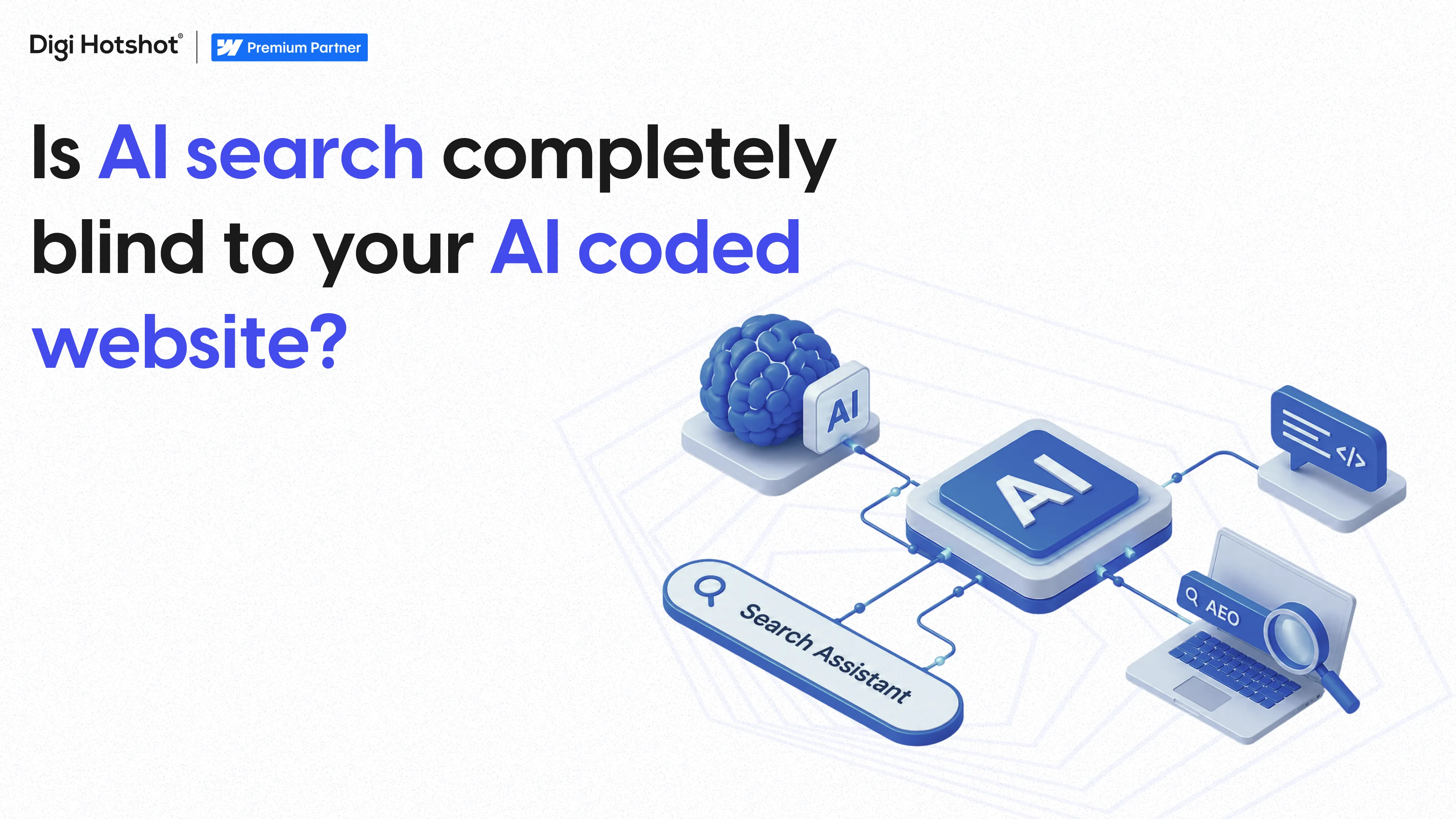


AI-coded websites are sites built with tools like Cursor, v0, Lovable, Bolt, and Replit Agent. Most of them ship as client-side JavaScript apps. The real content gets rendered by React after the page loads. AI search engines like ChatGPT, Claude, and Perplexity don't run JavaScript. So the sites founders are building with AI are often the exact sites AI can't read.
These numbers matter together. AI bots are crawling more, AI answers are showing up in more searches, and the sites that can't be crawled get left out of the answers entirely.
Google's crawler runs a full headless Chrome instance for every page it renders. That's expensive. AI crawlers optimized for scale can't afford that. GPTBot, ClaudeBot, PerplexityBot, and the ChatGPT-User agent all prioritize speed and cost. Running a browser engine to render each page costs roughly 10 to 100x more compute than just fetching raw HTML and parsing it.
So they fetch the raw HTML response and parse whatever's in it. If your homepage returns an empty shell with a script tag pointing to a JavaScript bundle, the AI bot sees an empty page. Your actual headline, value prop, case studies, pricing — all of it lives in JavaScript bundles the bot never executes.
Google's Gemini is the exception because it rides Google's existing rendering infrastructure. But most AI-first engines don't have that infrastructure at all.
Here's what each of the major AI coding tools ships by default:
The pattern worth naming: AI coding tools are trained on the web's existing React codebase, and the web's existing React codebase is overwhelmingly client-rendered.
Three tests. Each one takes under 2 minutes.
Test 1 — View page source. Open your site in Chrome. Right-click and select View page source (not Inspect). Look at what's in the body tag. If you see your actual headline, pricing, and copy, you're fine. If you see mostly empty scaffolding with a script tag pointing to a JavaScript bundle, your content is rendered by JavaScript. AI bots will see nothing.
Test 2 — The raw HTTP fetch test. Use a command-line tool to fetch your site without executing JavaScript. This is exactly what an AI bot sees. If the response contains your content, you're good. If it's mostly empty scaffolding, you have a problem.
Test 3 — Ask an AI about your company. Open ChatGPT or Perplexity. Ask what your company does, what their main products are, and who their customers are. If the AI gives a coherent answer with details pulled from your site, you're being read. If the AI hedges or says it doesn't have enough information — your site is invisible.
Run all three. If you fail any of them, keep reading.
You can solve this on your existing AI-coded site. It just costs time, money, and developer attention.
Migrate to Next.js with Server Components. If your site is a Vite SPA or a Create React App, this is a significant rewrite. Every component has to be audited. Interactive pieces get marked as client components, everything else runs on the server. This works, but it's a real dev project — typically 2 to 6 weeks depending on site size.
Add prerendering with a service like Prerender.io. Prerender.io sits in front of your site, detects bot user-agents, renders the page in a headless browser, caches the raw HTML, and serves it to bots while real users still get the client-rendered experience. It works — but costs $90 to $1,000+/month and adds a point of failure to your infrastructure.
Generate static HTML at build time. If your content doesn't change often, static site generation produces real HTML files at build time. This is the cleanest technical solution but requires rebuilding your deploy pipeline.
Incremental Static Regeneration. A middle ground on Next.js where pages get statically generated and periodically refreshed. Great for blogs and case study pages.
None of these are a settings toggle. Every one of them is a dev project.
Webflow serves server-rendered HTML for every page. No configuration. No prerendering service. No dev project. When an AI bot fetches a Webflow site, the response contains the actual content — headlines, body copy, CMS items, meta tags, everything.
This isn't a feature you enable. It's how Webflow works at the infrastructure level. Every page is pre-rendered and served from Webflow's Cloudflare CDN.
The platform also ships with the other things AI search engines look for:
And on April 13, 2026, Webflow launched Webflow AEO — a closed-loop answer engine optimization product currently in private beta for Enterprise customers. Webflow AEO measures how often your brand appears in AI answer engines, delivers brand-specific recommendations for technical and content fixes, and lets teams execute those changes across the site at scale with review safeguards.
At Digi Hotshot we use Claude Code every day. We've built internal workflows where Claude Code talks directly to Webflow's official MCP server and creates CMS items, updates styles, modifies pages, and generates content at scale.
The pattern that actually works is using AI inside Webflow, not instead of Webflow. Webflow has an official MCP server at github.com/webflow/mcp-server that lets AI agents read your site structure, create and update pages, manage CMS collections, and modify design elements.
You get the speed of AI-driven development and the crawlability of server-rendered HTML. You don't have to pick one.
You have three real options.
Option 1 — Audit first, decide second. Run the three tests above. If you're failing the tests and your buyers are already using AI search, you need to act. We offer a free website audit that includes an AI search visibility check.
Option 2 — Wire up server-side rendering or prerendering on your existing site. If you have a developer on staff who can spend 2 to 4 weeks on this, go the Next.js server-rendering route. If you want a faster patch, Prerender.io will get you there in a day but adds ongoing cost.
Option 3 — Migrate to Webflow. We've done 30+ migrations at Digi Hotshot, including 14+ from WordPress. We map your existing URLs, rebuild the design in Webflow, restructure your content into proper CMS collections, preserve SEO with 301 redirects, and launch. When we migrated Wellness Everyday's 70+ pages from Joomla to Webflow, we preserved 100% of their SEO rankings with zero downtime.
No, not reliably. ChatGPT's crawlers fetch raw HTML and parse it without executing JavaScript. If your site renders its content client-side, ChatGPT sees an empty shell. A 2026 audit by Spruik found that roughly 70% of JavaScript-heavy enterprise sites are invisible to ChatGPT, Claude, and Perplexity.
Probably, yes — depending on what you asked Cursor to build. If you used Next.js App Router with Server Components for marketing pages, you're likely fine. If you used Vite + React or most pages rendered client-side, your content is invisible to AI bots. Run the page source test on your site to find out.
Three quick tests: (1) View the page source in Chrome and look for your actual content in the body. (2) Fetch your homepage using a raw HTTP request tool and check if the response contains your content. (3) Ask ChatGPT or Perplexity about your company and see if it pulls real details from your site.
Server-side rendering (SSR) means your web server generates the full HTML for a page before sending it to the browser or an AI crawler. The response contains real content rather than an empty shell that JavaScript fills in later. SSR is what makes a site readable by crawlers that don't execute JavaScript, including GPTBot, ClaudeBot, and PerplexityBot.
Yes. Every Webflow site is server-rendered by default, served from a global Cloudflare CDN as pre-built HTML. When an AI bot fetches a Webflow page, the response contains all your actual content, schema markup, and meta tags. Webflow also launched Webflow AEO on April 13, 2026 — a private beta product for Enterprise customers that measures AI citation visibility and helps teams execute fixes at scale.
Yes. Webflow has an official MCP server at github.com/webflow/mcp-server that lets Claude Code, Cursor, and other AI agents read and write to your Webflow site through the Data API. You can generate CMS items, create pages, update design elements, and manage content with AI prompts — while the output ships as server-rendered HTML.
Webflow AEO is a closed-loop answer engine optimization product launched April 13, 2026, currently in private beta for Enterprise customers. It measures how often your brand appears in AI answer engines, delivers recommendations for technical and content improvements, and lets marketing teams execute those changes across the site at scale with review safeguards.
Last Updated:
May 26, 2026
Book a 30-minute discovery call. We'll discuss your current challenges and show you exactly how we can help.
Your competitors aren't stuck in developer queues. They're launching campaigns, testing messages, and capturing market share while you're waiting for simple updates.
Eliminate the bottlenecks. Give your marketing team the infrastructure they deserve—fast, autonomous, built to scale.


